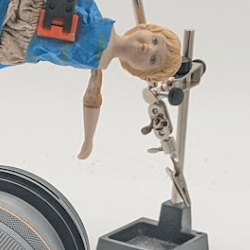


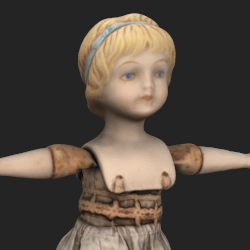
While she is the easiest puppet to create, she is going to be the most difficult to capture. I don’t want to take the doll apart to capture because I am worried that it’ll drastically alter her look when I put her back together so there will be noticeable visual differences between the digital and physical versions. She needs to be animatable which means I need to have to make sure she is captured from every angle, including her floppy arms.
The approach I am taking is to capture each piece of her separately and combine them together as a single low poly mesh in Maya.
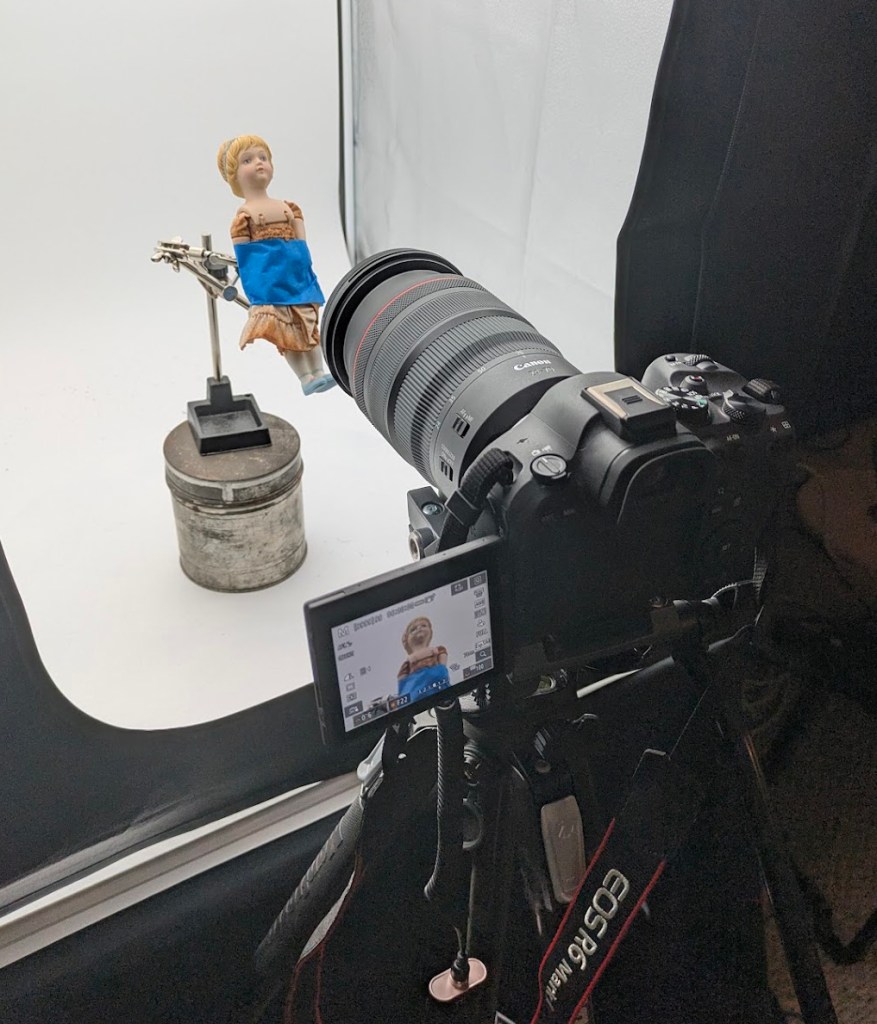
I use a helping hands to hold the puppets and focus on one part at a time. I ended up with 6 captures- head, each arm separate, each leg separate, and what I call the torso which is below her head piece and her skirt.
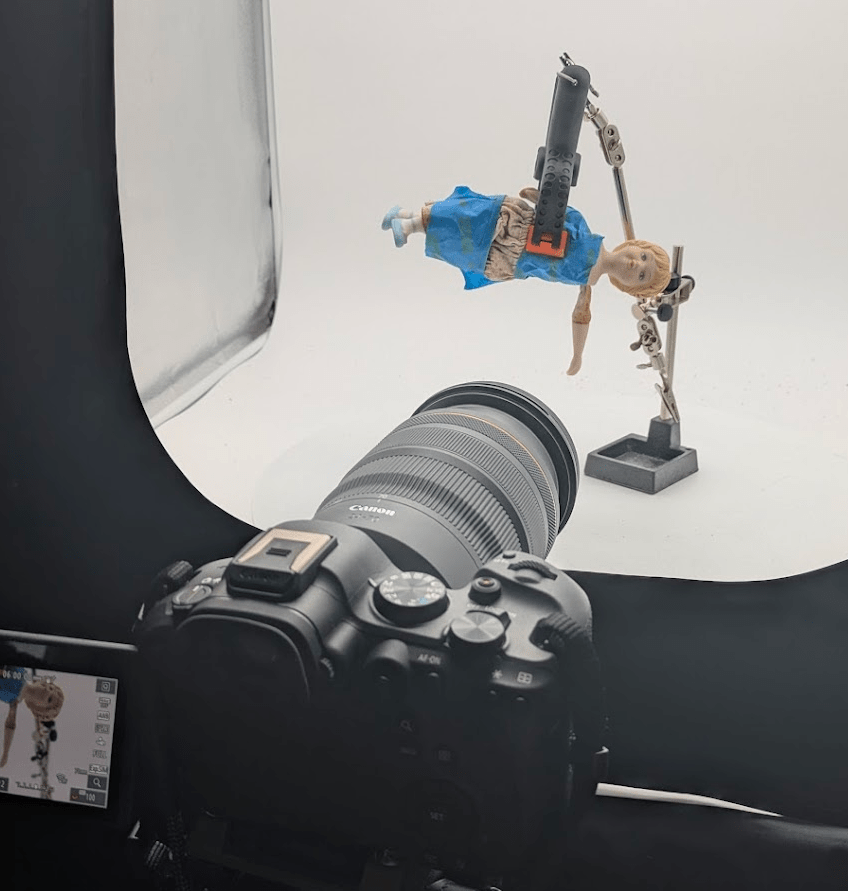
The hardest part to capture is the arms. I need to get them from every angle so that she has a full range of motion when she animates, but they partially fabric which means they move and deform. The solution was to capture each one individually, hanging downwards.
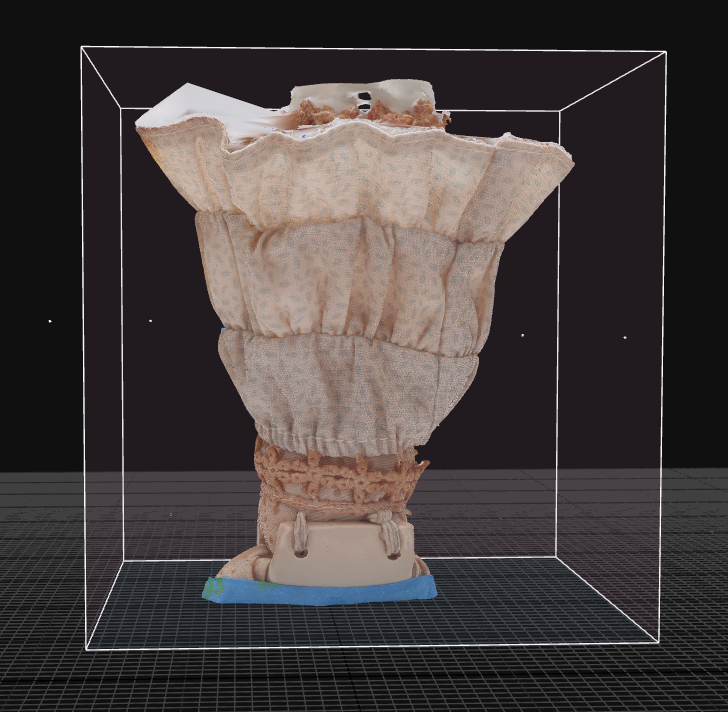
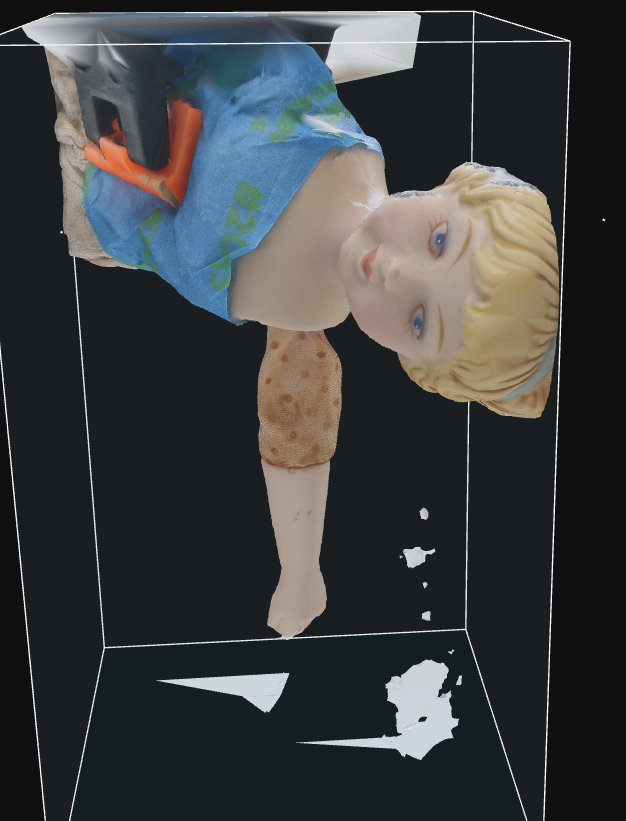
Each piece was processed separately in Reality Capture. Through lots of experimentation over the years, I’ve settled on the method of using vertex color for the base color on the high poly exports out of Reality Capture. It simplifies issues later on in the cleanup process for creating low poly version for game engines. It also speeds up the processing time. Its a lot faster for Reality Capture to generate the vertex colors instead of unwrapping and baking the information onto an image (or several images).
Next is mesh and material cleanup.
 Amber Johnson - MADblog
Leave a comment