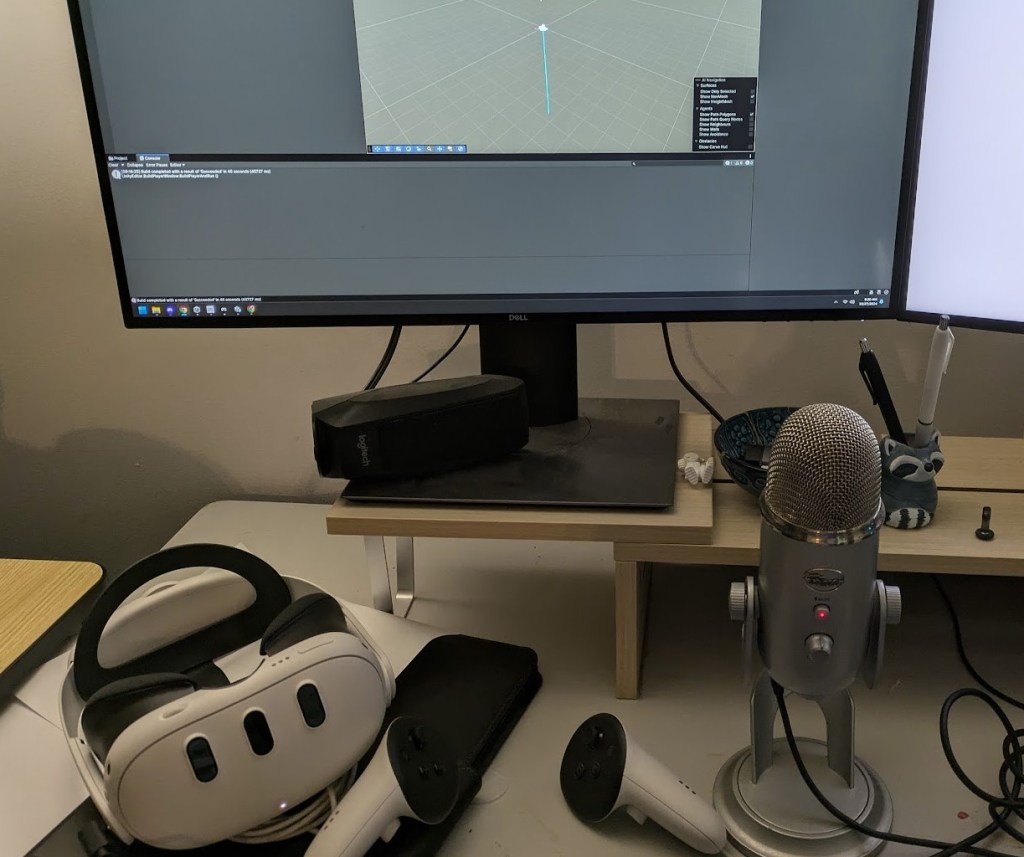


I was able to get passthrough working on a PC build. I had to use the Meta plugin vs the Unity built in plugin. The only downside it is wants you to use the built in render pipeline instead of the URP. I’m going to have to explore that a little bit more. This is the guide about getting the Meta stuff in your project:
https://developers.meta.com/horizon/documentation/unity/unity-package-manager/
To actually set up a passthrough scene I used this guide: https://mixedrealitynow.com/how-to-enable-passthrough-for-mixed-reality-meta-quest-3-quest-pro-quest-2
I can sense some latency in it, but I only need it for looking through the camera. I don’t need to do any hand gestures or use the controllers so I am hoping it won’t be noticeable. I can always explore this a little more later on. I do want to see if I can get a shorter cord. I don’t need it to be as long as these tethered cords usually are.

 Amber Johnson - MADblog
Leave a comment